You can discard Not Matched records from further processing on the Payment Details and Non Payment Details tabs.
To discard unmatched records:
-
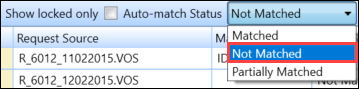
Select 'Not Matched' from the Auto-Match Status list.
-
Select the relevant records.
Important.You can select multiple records using Shift-select (for a series of records), Ctrl-select (for individual records) or Ctrl-A (for all records). -
Select the Discard Unmatched button on the StudyLink Commands ribbon.

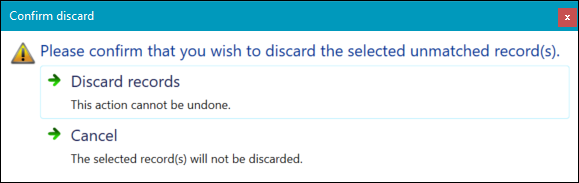
A confirmation message is displayed.
-
Select the Discard records button.
The selected records are removed.